
Action and Stuff Features, Skins, and Expressions
Use this page when you already understand the pack and want to judge the feature layer itself. It focuses on what Action and Stuff actually changes on screen after import, not on how to install it.
The goal here is simple: see which visual systems matter most, where skins and expressions stand out, and which effects depend on device conditions or clean pack use.
This page is for feature evaluation and visual depth. It is not the install guide, and it is not a full settings-by-settings troubleshooting page.
Core Focus
How the pack changes character detail, gear presentation, and visual personality in Bedrock
Best For
Players deciding whether the feature layer feels strong enough to justify using the pack
What It Covers
Skins, expressions, name tags, 3D gear, armor-stand details, and atmosphere systems
Practical Limit
Some effects depend on device headroom, active pack overlap, and the way Bedrock exposes character features
What Makes Actions and Stuff Stand Out in Bedrock?
Action and Stuff stands out because it changes the feel of ordinary Bedrock play, not just one showcase animation or one cleaner screenshot. If you started from the broader Action and Stuff Minecraft download hub, this is the deeper feature pass: what the pack actually changes once you are in a world and paying attention to the details.
The short answer is that several visual systems improve together. Movement looks smoother, character presence feels stronger, held items and gear read better, and the world picks up more personality without becoming hard to read.
Why the pack feels richer than a normal animation add-on
Many packs improve one layer and stop there. Action and Stuff feels bigger because motion, texture treatment, item presentation, and small character cues all reinforce each other. That is why the result feels noticeable during normal walking, combat, inventory use, idle scenes, and exploration instead of only during a few scripted moments.
This is also why players often describe the pack as making Bedrock feel more alive. The change is cumulative. No single feature has to carry the whole experience by itself.
How the feature stack works together on screen
The strongest part of the pack is not one isolated mechanic. It is the stack. Animations affect how the player moves, expressions affect how the character reads, 3D gear changes item presence, and atmosphere systems make the world feel less flat. When those layers land together, the pack feels more deliberate than a simple texture swap.
That stacked design also explains why users search for very specific features such as expressions, name tags, armor-stand details, and 3D items. Those searches come from real feature depth, not from random keyword variation.
What this guide is trying to judge
This page is not here to re-explain download steps. It is here to answer a different question: are the features themselves strong enough to justify using the pack? If you still need Bedrock file-route context first, step out of the feature layer and confirm the setup path before you keep judging the visual result.
That is why the sections below stay focused on feature behavior, visual payoff, and the limits that can change how those features appear on different setups.
Animation Layer
Smoother movement and cleaner interactions across routine play.
Texture and Atmosphere
Richer world tone without losing Minecraft readability.
Character Presence
Skins, expressions, and gear feel more alive on screen.
Actions and Stuff Skins and Character Appearance
What the pack changes around your skin
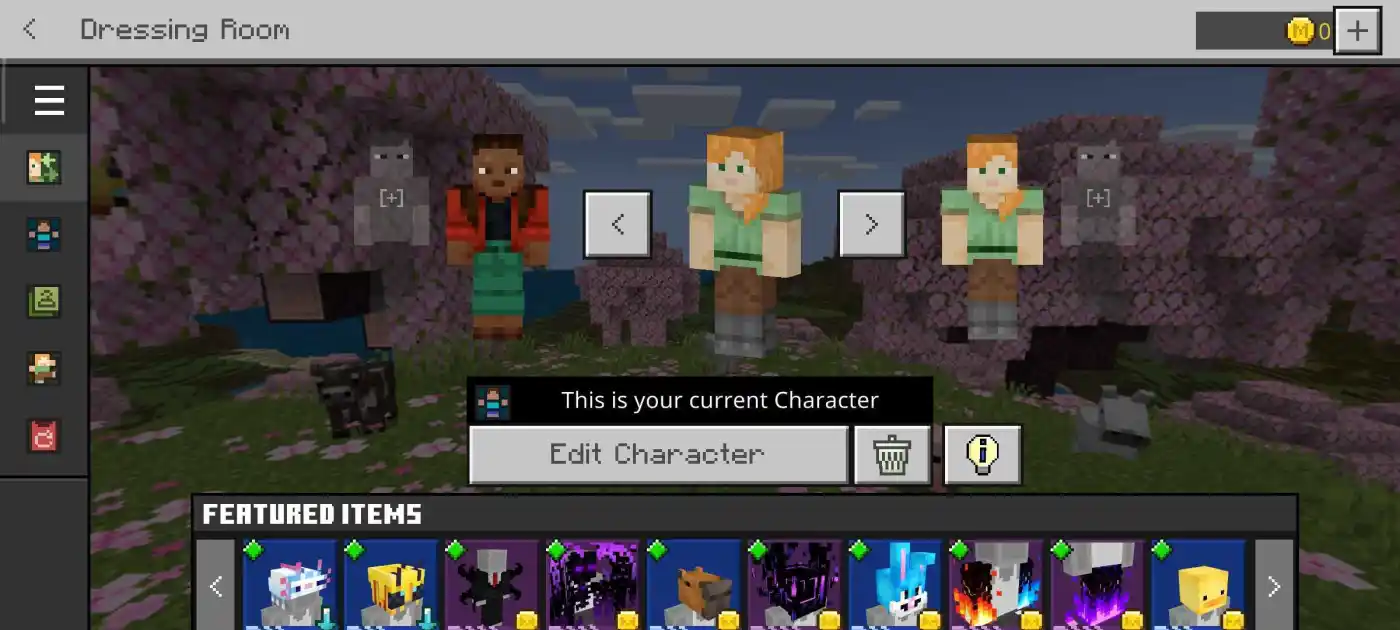
Action and Stuff does not replace your skin. It changes how that skin reads during normal Bedrock play. Better motion, cleaner held-item presentation, and stronger character framing make the same skin look more deliberate even when the file itself never changes.
The difference shows up most in ordinary moments: turning, walking, holding gear, standing still, and moving through a scene where the character has time to register clearly on screen.
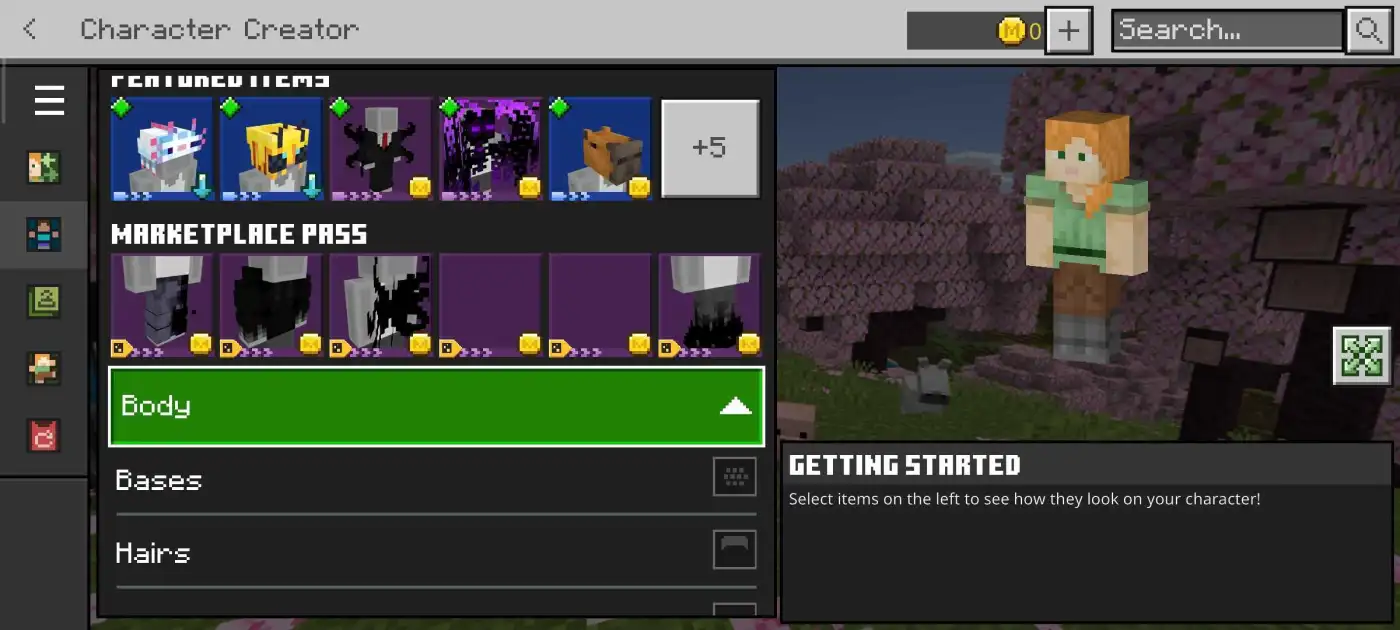
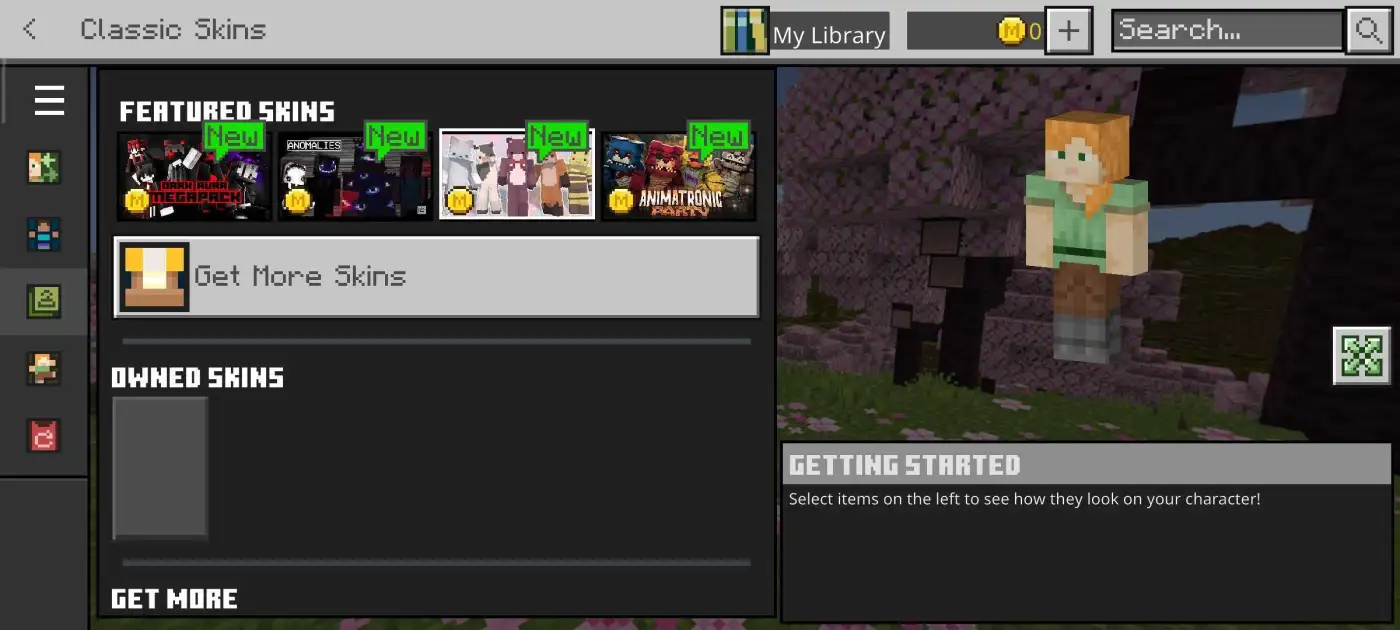
Character Creator and Classic Skin context matters
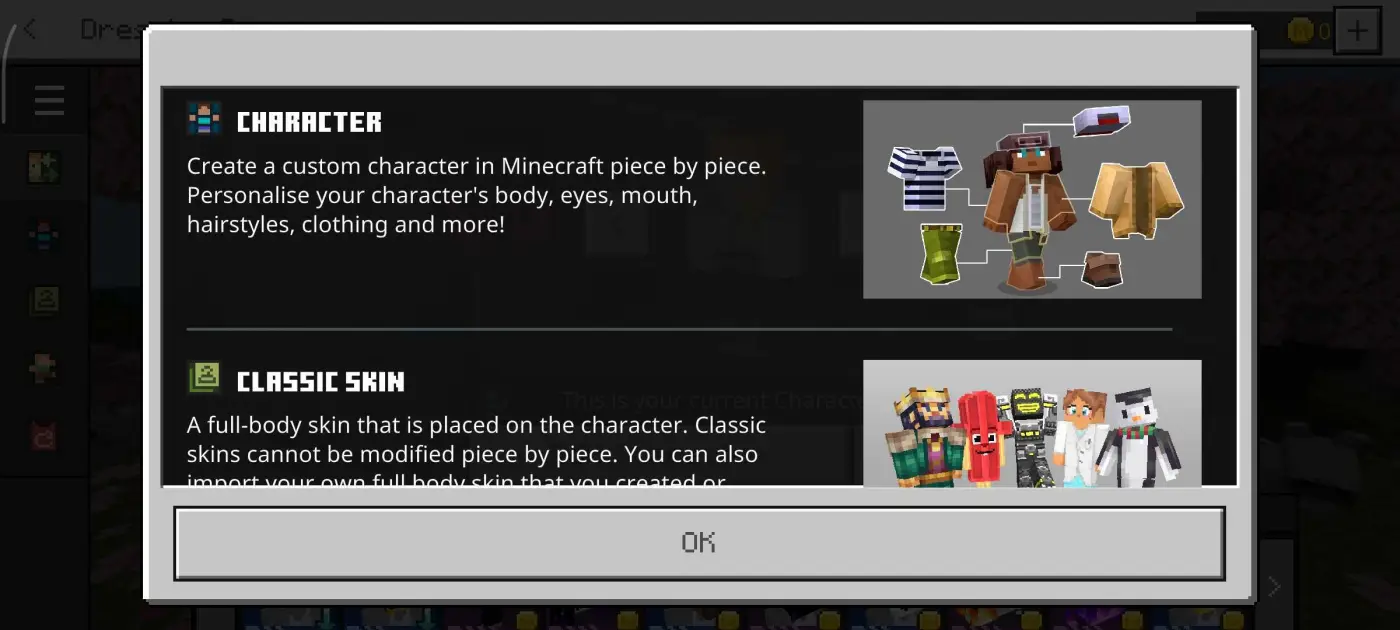
Bedrock already separates Character Creator and Classic Skin routes, and that matters when people judge this feature set. The pack is not acting like a separate skin marketplace. It is improving the presentation layer around the identity option you already chose inside Bedrock.
That distinction clears up a common misunderstanding. Most people searching for skin support are not asking whether Action and Stuff gives them a new skin library. They are asking whether their current character looks better after the pack is active.
Who notices the skin upgrade most
This feature lands hardest for players who care about character presence: roleplay users, builders who spend time in third-person view, creators taking screenshots, and anyone who wants their Bedrock character to look less flat during long sessions.
The right expectation is enhancement, not replacement. Your chosen skin stays the identity layer. The pack simply gives that identity stronger presentation in motion and in-world context.
Identity Layer
Your selected Bedrock skin still stays at the center of the character look
Presentation Gain
Motion, framing, and gear detail make the same skin read better in play
Best Fit
Strongest for players who care about character presence, screenshots, or roleplay
Real Expectation
Enhancement of your current look, not a full skin replacement system
Expressions, Face Details, and Character Personality
Why expressions matter more than they sound
Expressions are small, but they change how the character feels on screen. When a face looks less blank, the whole pack feels less mechanical. Ordinary scenes such as standing still, turning toward the camera, or moving through a world pick up more personality even though the core gameplay is unchanged.
That is the real value here. Expressions do not carry the pack alone, but they help make the broader animation and skin work feel intentional instead of flat.
Blinking, eye detail, and subtle personality cues
Blinking, eye movement, and other small face-level cues are the kind of details players notice more during longer sessions than during a quick first test. In close-up views, screenshots, and calm moments between action, those cues stop the character from feeling frozen.
This is one of the reasons the pack can feel polished without looking noisy. The effect comes from restraint. Small face details add life without turning every moment into a gimmick.
What users usually mean by expression searches
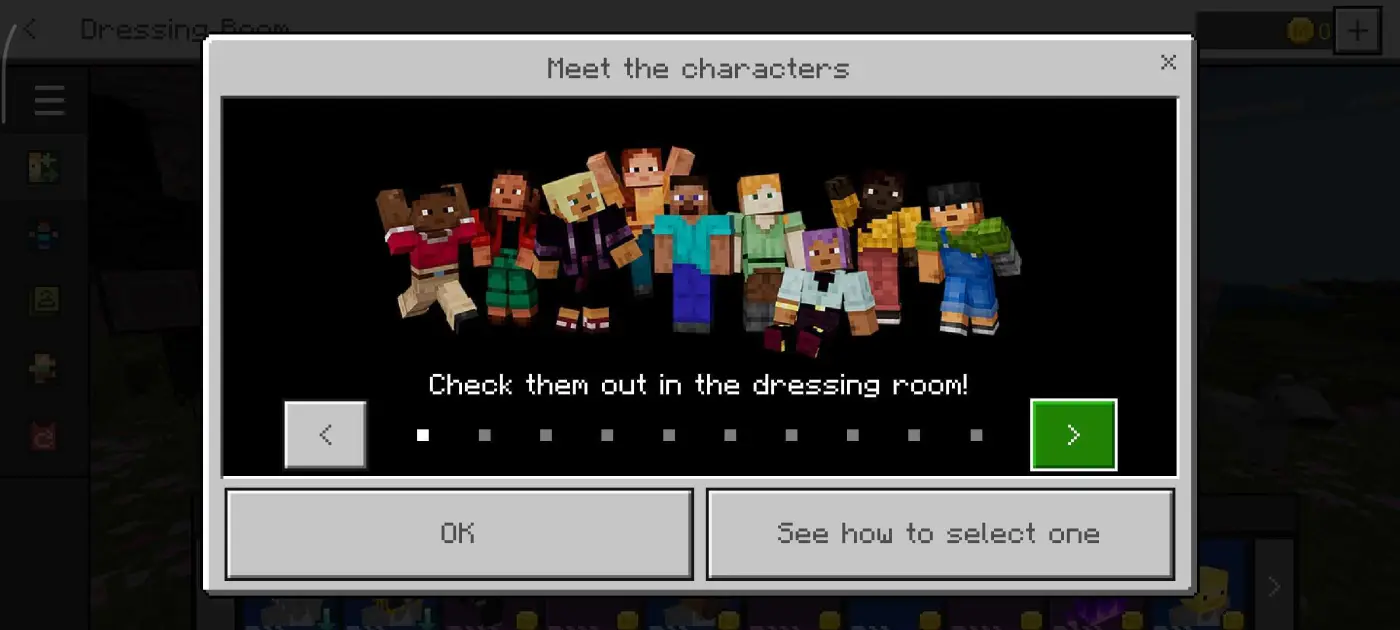
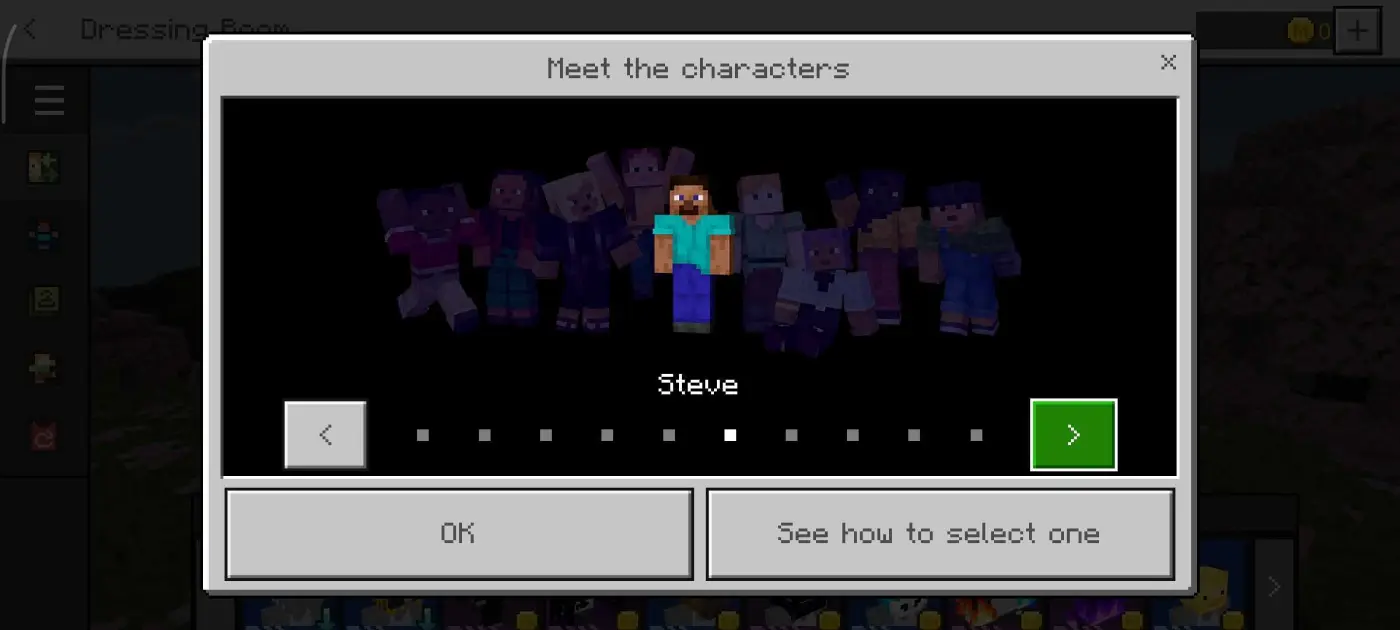
Most users searching for expressions or expression templates are not really asking for a separate official file. They are trying to understand whether Action and Stuff adds visible personality systems that make the character feel more reactive and more readable in normal play.
That is why this topic belongs on the feature page. It is not mainly a setup question. It is a feature-depth question about how much emotional or personality detail the pack adds to everyday Bedrock scenes.
3D Items, Custom Armour, and Better Gear Presentation
Why 3D items feel more valuable in real play
3D items matter because they are always in front of the player. Tools, weapons, and held objects are part of almost every Bedrock session, so even small improvements in shape and presence are noticed constantly. Action and Stuff gives those items more form, which makes ordinary handling feel less flat.
This is one of the most practical feature upgrades in the pack because it keeps paying off during regular play instead of only during occasional showcase moments.
How armour presentation changes on the character
Better armour presentation helps gear feel like part of the character instead of a thin overlay sitting on top of the model. When movement, skin presentation, and armour all read more cleanly together, combat and exploration scenes look more coherent.
That matters most when you spend a lot of time in survival or third-person view. The more often you see the character carrying gear, the more this layer affects the overall quality feel.
Why survival players notice this layer first
Survival loops repeat the same visual actions again and again: mining, switching tools, moving through terrain, entering combat, and checking gear. Because those actions never stop, better item and armour presentation can become one of the clearest long-term benefits in the whole pack.
This is also why the 3D gear layer should be judged in normal play, not only in a still screenshot. Its real value is repeated visibility and better moment-to-moment readability.
World Atmosphere and Extra Visual Systems
How atmosphere changes the feel of exploration
Atmosphere matters because it shapes the whole world, not just the player model. When particles, environmental tone, and biome mood all feel more deliberate, ordinary exploration becomes more expressive without needing a completely different game style.
This is one of the reasons Action and Stuff can feel richer than plain Bedrock even before you stop to inspect individual features. The world itself carries more mood while still staying readable.
Why players notice small ambient touches
Searches about footprints, labels, or other small additions usually point to the same thing: players are noticing how deep the detail layer goes once the pack is active. Those are not always the main features, but they help the world feel less empty and less generic during normal play.
That is the right way to read these details. They are support systems for immersion, not random bonus clutter added for keyword value.
Texture depth without losing Minecraft identity
The pack works best when the world feels upgraded but still recognizable. Texture depth helps surfaces, scenes, and environmental contrast feel stronger without turning Bedrock into something visually disconnected from Minecraft.
That balance matters. A pack can add detail and still fail if readability collapses. Action and Stuff works better when added depth supports exploration instead of fighting it.
Biome Mood
Environmental tone feels more intentional during exploration.
Particle Detail
Small effects add visual life to regular gameplay loops.
Texture Identity
Depth increases while core Bedrock readability remains intact.
Do All Features Work the Same on Every Device?
Why feature delivery changes across devices
No. The pack can be the same, but the way it feels is still shaped by the device running Bedrock. Subtle systems such as expressions, motion smoothness, 3D item clarity, and atmosphere detail are easier to notice when performance is stable and the device has enough headroom.
That does not mean weaker devices make the pack useless. It means some of the finer polish is easier to appreciate on cleaner and more stable setups.
When stronger setups make the pack look better
Stronger Bedrock setups tend to reveal more of the pack at once. Frame pacing feels cleaner, small face cues read better, and world atmosphere holds together more consistently during longer sessions. The richer the feature stack becomes, the more performance stability starts to matter.
This is why some players report that the pack feels more impressive after moving to a better device or reducing other visual load around it.
Why pack overlap can change the result
Other visual packs and add-ons can hide or override some of the features you are trying to judge. The cleanest way to evaluate this page’s feature set is to test Action and Stuff alone first, then add other visual layers back only after you understand the baseline result.
If the pack is already active and you need to tune style, expressions, or first-person feel after this feature check, the Action and Stuff settings guide is the better next step. If the pack already looks right but play turns heavy or choppy, use the Action and Stuff lag and FPS fix guide instead. This page only needs to explain why feature output can vary.
Performance
Stable frame pacing reveals more of the subtle feature layer
Hardware
Stronger setups usually show cleaner atmosphere and character detail together
Conflicts
Overlapping visual packs can hide the feature set you are trying to judge
Best Test
Check the pack alone first, then compare the result after adding other layers back
Is Actions and Stuff Worth It for Features Alone?
Best for players who want layered visual payoff
Yes, if you care about how the pack feels across full sessions and not just one visible trick. The value comes from many layers working together: character presence, expressions, gear readability, atmosphere, and the small details that keep normal Bedrock play from feeling flat.
If that kind of layered polish matters to you, this page makes the case well. The pack is not just one feature with extra marketing around it.
Best for creators, builders, and slower-paced players
Creators, builders, screenshot users, and roleplay players usually get the clearest return because they notice more of the visual stack. The longer you stay in a world, the more chances you have to see the benefit of stronger movement, character cues, display scenes, and world mood working together.
This is why the feature argument is stronger for long-session players than for users who only want the lightest possible visual change.
When a simpler pack may be the better fit
If your priority is very low visual complexity, minimal load, or only one small change, then a simpler pack may suit you better. Action and Stuff is stronger when you actually want feature depth and can notice the difference over time.
If the feature case is strong enough and you now want to apply the pack, the Action and Stuff install guide is the right next step.
Strong Fit
Players who want layered visual depth and can notice repeated small improvements over time.
Creator Fit
Builders, roleplay users, screenshot users, and other players who spend time looking at the world closely.
Weaker Fit
Users who mainly want the lightest possible visual touch or do not care about feature layering.
FAQs About Actions and Stuff Features
It supports stronger presentation around custom skins rather than replacing the skin system. Players usually notice better character feel through motion and visual context.
Expressions are small facial and personality details that make characters feel more reactive and alive than standard Bedrock presentation.
Usually they mean identity-detail behavior and visual polish quality, not always one official downloadable list file.
Most often this means discovery curiosity around hidden polish and display behavior, not one guaranteed official secret mechanic.
No. Stronger Bedrock setups and cleaner pack conditions usually reveal more of the subtle feature layer. Weaker devices or overlapping visual packs can hide some of the polish.
Final Thoughts
Use this page to decide whether the feature layer is the real reason you want Action and Stuff. That is the job here.
If skins, expressions, gear presence, and world mood all matter to you, the feature case is strong. If you only want one light visual change, a simpler pack may suit you better.