Action and Stuff Java: Does It Work on Minecraft Java Edition?
If you searched for action and stuff java, this page gives the direct answer first. The original pack is Bedrock-focused, so Java players need clear expectations before downloading anything.
You will see what works, what does not, why Java confusion happens, and what alternatives make practical sense if you stay on Java Edition.
Use this page to separate real Java options from Bedrock-only file routes.
Primary Goal
Clear yes-or-no answer for Java players
Original Ecosystem
Bedrock Edition and Marketplace route
Main Risk
Mixing Java intent with Bedrock files
Safer Path
Java alternatives or switch to Bedrock for original pack
Does Actions and Stuff Work on Java Edition?
If you play Java Edition, this is where confusion should end quickly. If you came from Action and Stuff, keep in mind this article is Java clarification, not a Bedrock install flow. Most Action and Stuff Java searches are about a Bedrock experience, not a normal Java-native release path.
The short answer for Java players
In practical terms, no, Java players should not treat Actions and Stuff as a normal native Java pack. If your goal is the exact original pack, Bedrock is the correct ecosystem.
Why Actions and Stuff is mainly a Bedrock product
Its official context points to Bedrock and Marketplace behavior. Bedrock and Java use different content systems, so the same file assumptions do not transfer cleanly.
Why so many users search for a Java version
The visual appeal is obvious, so Java users search for it naturally. Confusion starts when results mix Java keywords with Bedrock file routes and PC wording. If you are actually on Bedrock for desktop, use the Action and Stuff PC guide.
Actions and Stuff Bedrock vs Java Explained
How Bedrock resource packs differ from Java resource packs
Even when both ecosystems use the term resource pack, their file behavior and setup flow are different. Bedrock content logic is not Java content logic.
Why Marketplace content does not translate directly to Java
Marketplace is a Bedrock channel. Java has its own community-driven mod and resource-pack ecosystem, so Marketplace delivery is not a direct Java path.
Why Java players should not use Bedrock download files
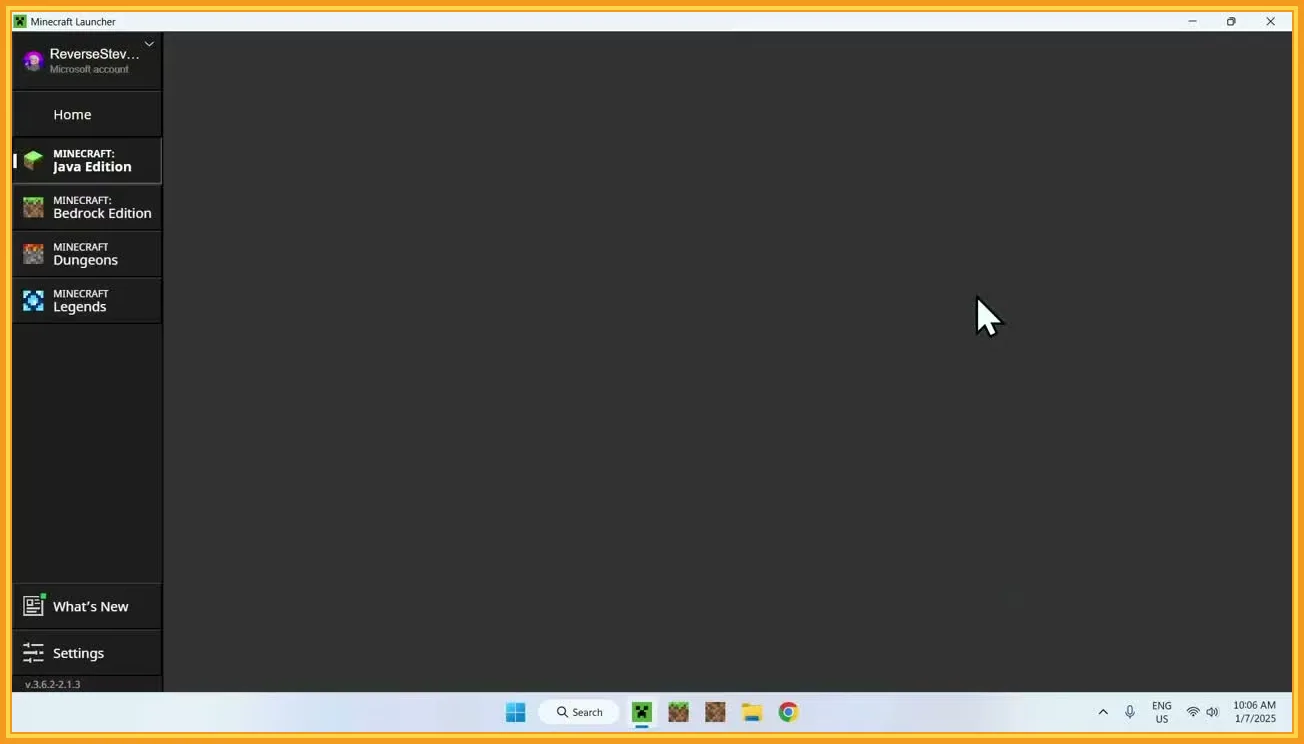
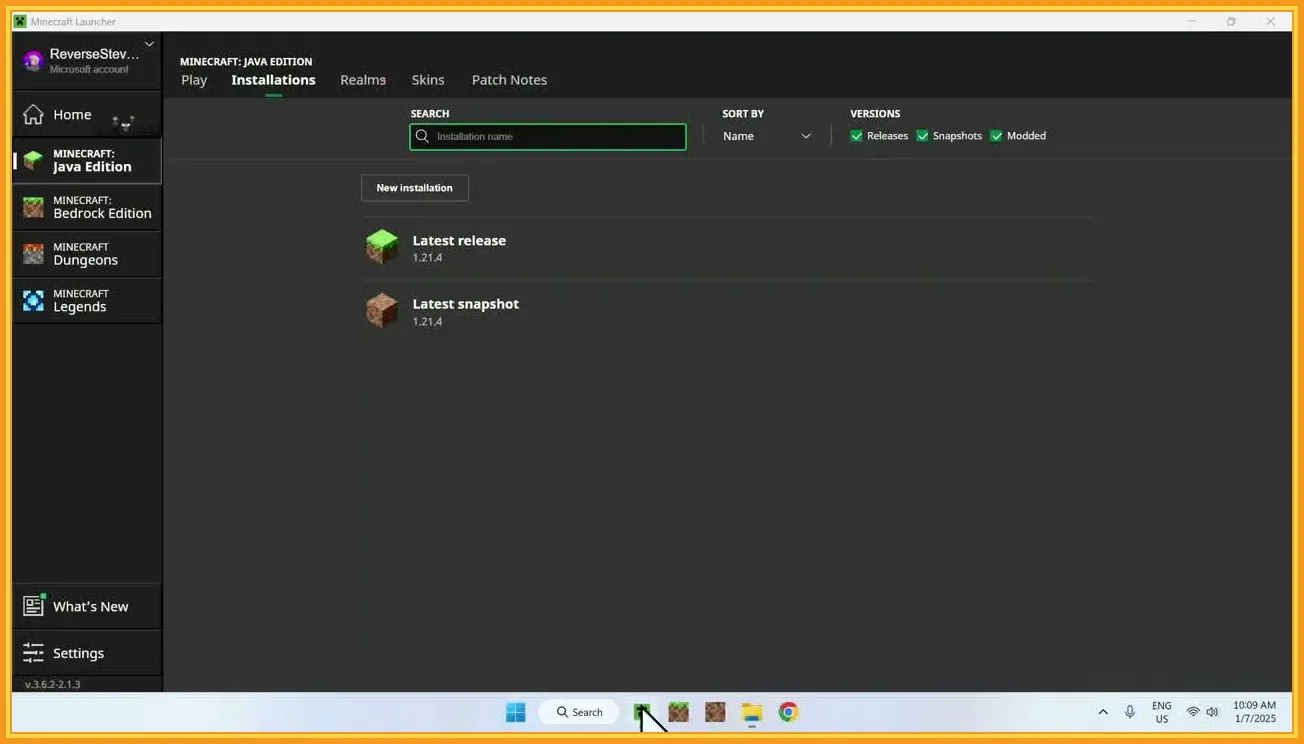
If a page leads to APK, MCPACK, or Bedrock import flow, that is a strong signal the file is for Bedrock. Java players should not force those files into Java Edition.
Bedrock route
Marketplace and Bedrock-side resource behavior.
Java route
Java resource packs, mods, and loader-specific setups.
Best decision
Choose by ecosystem first, then by visual outcome.
Can You Download Actions and Stuff for Java?
Why there is no normal official Java download route
The original pack is not distributed as a standard Java-native product. Java users should not expect a normal official Java mod page for it.
Why APK, MCPACK, and Marketplace files do not solve Java support
Those file routes are Bedrock-side signals. They do not become Java support just because the search query includes Java wording. If the file names themselves are confusing, use the Action and Stuff APK vs MCPACK guide before you download anything.
How misleading Java download pages create confusion
Some pages mix Java keywords with Bedrock files, which creates false hope and repeated setup failures. Verify file logic before downloading.
- If the route depends on APK or MCPACK, treat it as Bedrock content.
- If the page avoids clear compatibility details, do not assume Java support.
- Use trusted sources and explicit version information before install.
What Java Players Can Use Instead
Look for Java-friendly visual packs with a similar goal
If you stay on Java, look for alternatives by outcome: better visual polish, smoother motion feel, cleaner presentation, and stronger atmosphere. Focus on Java-side projects that clearly explain their visual scope instead of assuming Bedrock presentation terms will transfer directly.
Resource packs vs mods for better animations and visuals
Resource packs usually handle textures and presentation changes. Mods can go deeper into animation systems and visual behavior.
Choose alternatives based on your Minecraft version and mod loader
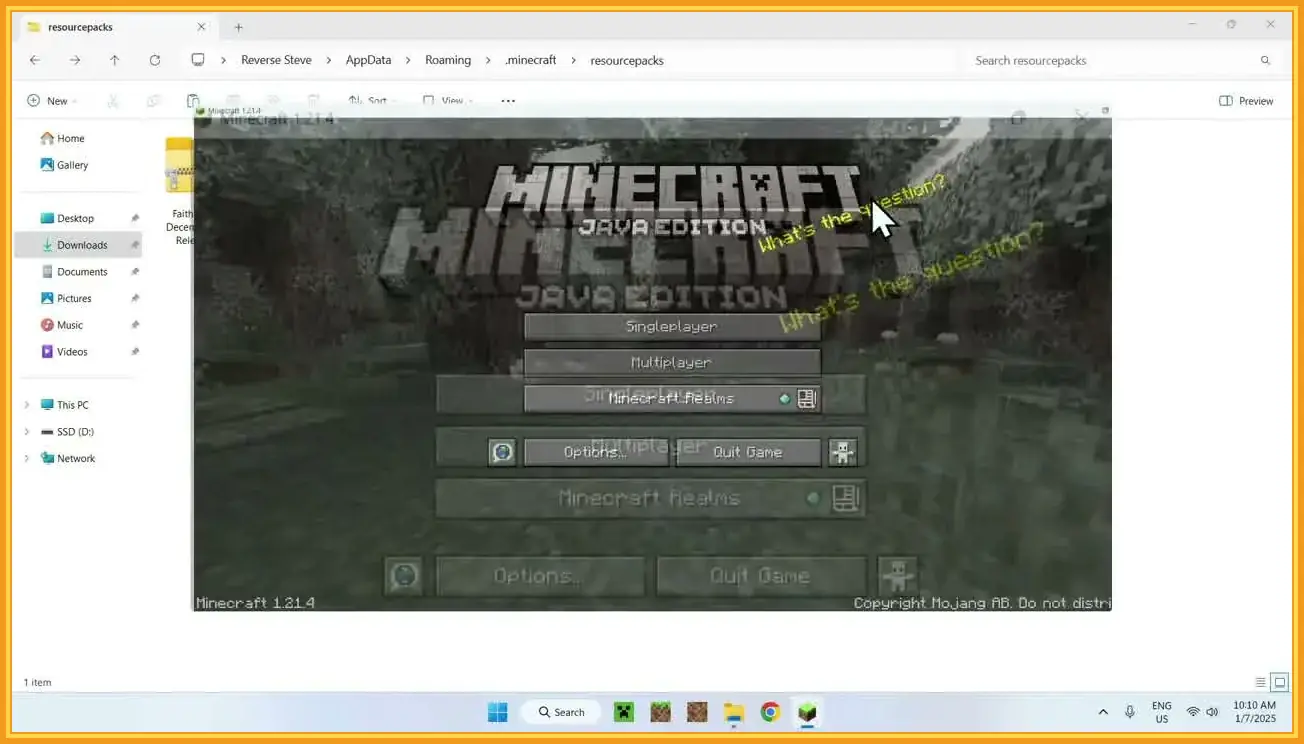
Always match the project to your Java version and loader setup. Version and loader mismatch is a common reason Java installs fail, and it can also cause avoidable FPS drops or stutter on weaker hardware.
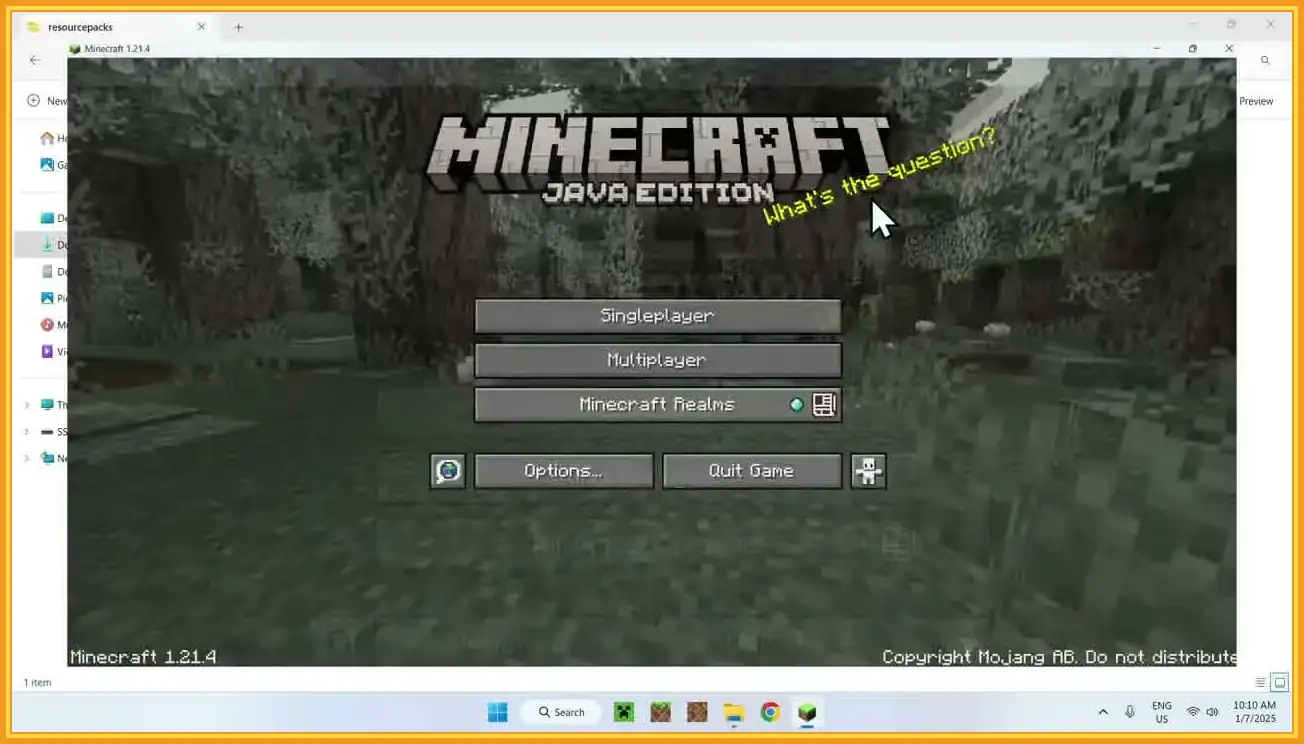
Version
Matches your Java build
Loader
Fabric, Forge, NeoForge, or none
Scope
Texture-only or mod-enhanced visuals
Safety
Trusted source and clear requirements
Performance
Test FPS and stability on a clean world first
Is There a Java Mod Version of Actions and Stuff?
Why mod wording appears in search intent
Java users search in mod language because that is how Java visual upgrades are typically delivered.
The difference between a fan-made alternative and the original pack
A similar-looking Java project is still a separate creation. Similar visuals do not equal official Java support for the original pack.
What to verify before installing any Java-side alternative
Check creator identity, exact version support, loader requirement, installation method, and whether the project is truly Java-side content.
Best Option if You Want the Real Actions and Stuff Experience
Use Minecraft Bedrock Edition if you want the original pack
If your priority is the original pack itself, Bedrock Edition is the direct route.
Use Marketplace or Marketplace Pass for the official route
Official delivery is tied to the Bedrock Marketplace ecosystem. Availability details can change, so check current listing context before deciding and validate version-fit with the Action and Stuff compatibility guide.
When switching platforms makes more sense than forcing Java
If the exact original pack matters more than staying on Java, switching to Bedrock is usually more practical than chasing unsupported Java workarounds.
Common Java Questions and Mistakes
Downloading the wrong file type for Java Edition
Many users read a Java-style headline but download Bedrock files. Always verify the file ecosystem first.
Expecting MCPACK or APK files to work in Java
Those formats are not Java-native routes. Treat them as ecosystem mismatch signals, not as install challenges to force through.
Confusing visual similarity with official Java support
A Java project can look similar but still be separate from the original pack. Keep official support and visual similarity as distinct decisions.
Wrong file downloaded
Stop and verify whether the route is Bedrock-specific before retrying.
Java setup keeps failing
Check version and loader alignment for the Java alternative you selected.
Unclear page claims
Prefer sources with explicit compatibility details and transparent install requirements.
Is This Page Still Useful for Java Players?
Best for users who want a clear yes-or-no answer
Yes. It gives the direct answer without burying users in mixed file-route noise.
Best next step if you stay on Java
Choose Java-side alternatives by outcome, then validate version and loader compatibility before install.
Best next step if you want the original pack instead
Use Bedrock Edition and follow the official Bedrock-side route for the original experience.
FAQs About Actions and Stuff Java
No. The original pack is tied to Bedrock-side ecosystem behavior rather than a standard official Java route.
No. Bedrock file routes like APK and MCPACK are not Java-native installation paths.
Not as a normal official Java-native version of the original pack. Treat Java-side lookalikes as separate alternatives.
Use Java-friendly alternatives based on your exact version and loader setup, then test visuals on a clean configuration first.
Yes, if your goal is the original Actions and Stuff experience rather than a similar Java-side alternative.
Final Thoughts
For Java players, the key is clarity: the original Actions and Stuff experience belongs to Bedrock, not a normal official Java route.
If you stay on Java, pick strong alternatives with proper version and loader compatibility. If you want the exact original pack, Bedrock is the cleaner path.