Action and Stuff Info, Requirements, and Official Facts
Use this page when you want the core product facts before you choose a route. It keeps the creator line, Marketplace status, platform fit, current update context, and the main Bedrock limits in one place.
If your next question is price, Minecoins, or Marketplace Pass, move to the dedicated price guide. If your next question is setup, use the install guide after the facts are clear.
Use this page to verify facts and route fit before you install, import, or spend Minecoins.
Official Type
Minecraft Bedrock Marketplace texture pack from Oreville Studios
Current Snapshot
Public listing snapshot on this site: March 3, 2026 update line with minimum version 1.21.120
Creator
Oreville Studios is the creator attached to the official Marketplace listing
Big Limit
Java is a separate ecosystem, and Expressions are not currently available on console
Editorial Review and Source Check
Reviewed By
Action and Stuff editorial team
Editorial Focus
Product identity, Marketplace status, version-line checks, and platform boundaries.
Review Standard
Latest source-verified version, route, platform, and Marketplace checks before fact-sensitive updates.
Last Reviewed
May 31, 2026
Multi-Device Checks
Informed by site-owner testing across multiple Bedrock device types where the route or version applies.
Source check: This page was reviewed against the latest information we could verify as of May 31, 2026. Version notes, Marketplace details, platform limits, and setup behavior can change over time, so recheck the live source when a decision affects purchase, import, install, or version choice.
Disclosure: This is an independent guide site and is not the official Minecraft Marketplace or Oreville Studios website. We review this cluster regularly and update route, version, and Marketplace details as soon as we can verify them. Use Contact Us if you still have any questions.
What To Verify Before You Choose a Route
Start here when the real question is product identity, not setup. If you came from Action and Stuff, this is where you check who made the pack, whether it belongs to the official Marketplace route, what the public update line looks like, and which platform limits matter before you do anything else.
Once those basics are clear, move out to the narrower route pages. This page should confirm the product and the boundaries first, not try to act like an install guide, a price guide, or a troubleshooting hub.
- Use this page for creator, Marketplace, version-line, and platform-fit facts.
- Use the install page only after the product and route boundaries are clear.
- Keep price, file-type, and deep troubleshooting questions on their own owner pages.
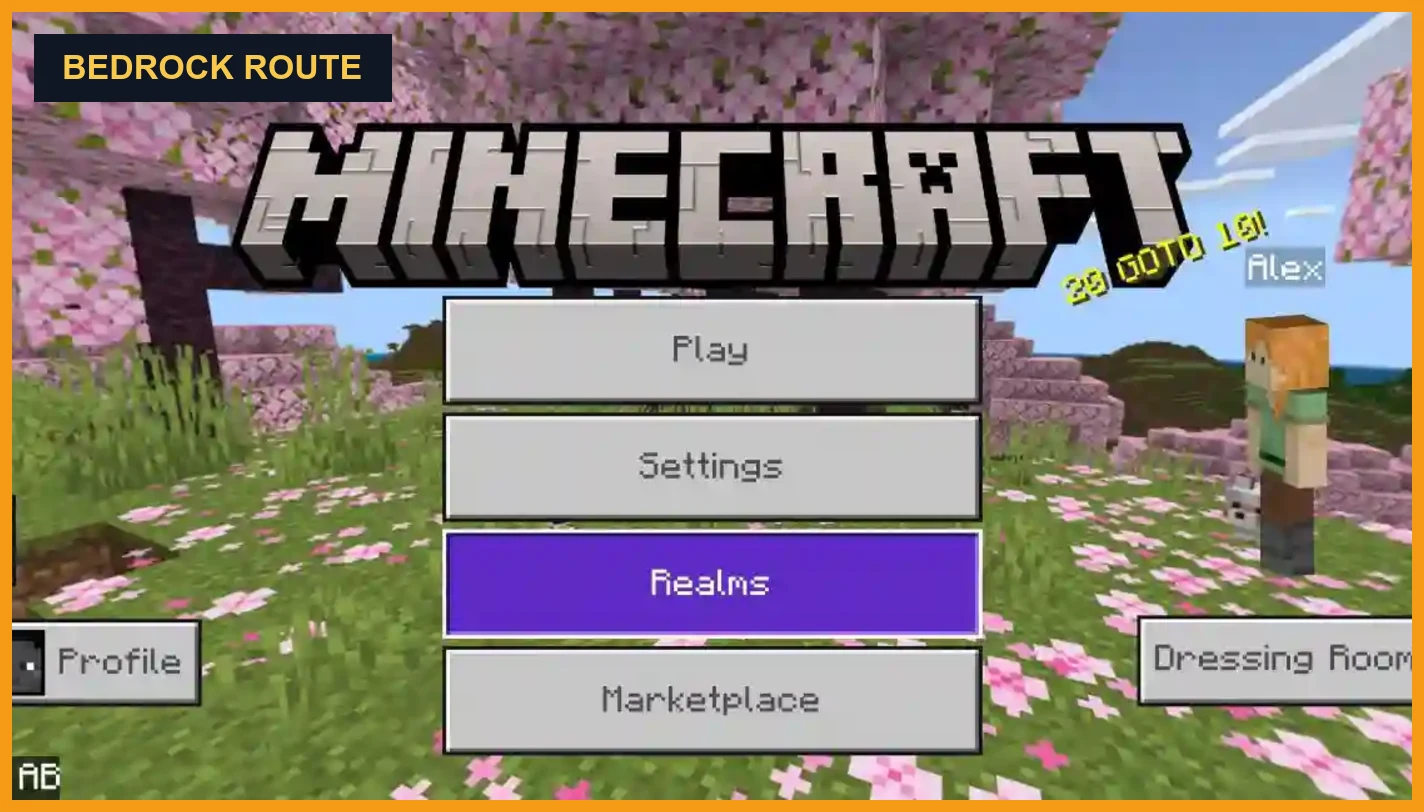
Important distinction: the official Minecraft Marketplace listing is a paid Bedrock texture pack from Oreville Studios. The rest of this site covers the route-specific questions for Android, MCPE import, PC, iOS, Java, console, and troubleshooting. If the only decision left is official store route versus manual file route, use the Marketplace vs file download guide first.
Current Official Snapshot
The safest starting point is the current public Marketplace-facing snapshot plus Oreville’s own guide layer. Third-party pages tend to freeze old numbers and old version labels, so this section only keeps the facts that help you verify the product and the current line.
Creator
Oreville Studios
Consistent with the current public Marketplace product snapshot.
Marketplace Type
Texture Pack / DLC
This is Bedrock Marketplace content, not a normal Java resource pack.
Minimum Version
1.21.120
Snapshot on this site last checked May 21, 2026.
Listing Updated
March 3, 2026
Useful as a freshness marker, but always re-check the current snapshot before relying on it later.
Launched
December 24, 2024
Marketplace launch date, not a made-up archive marker.
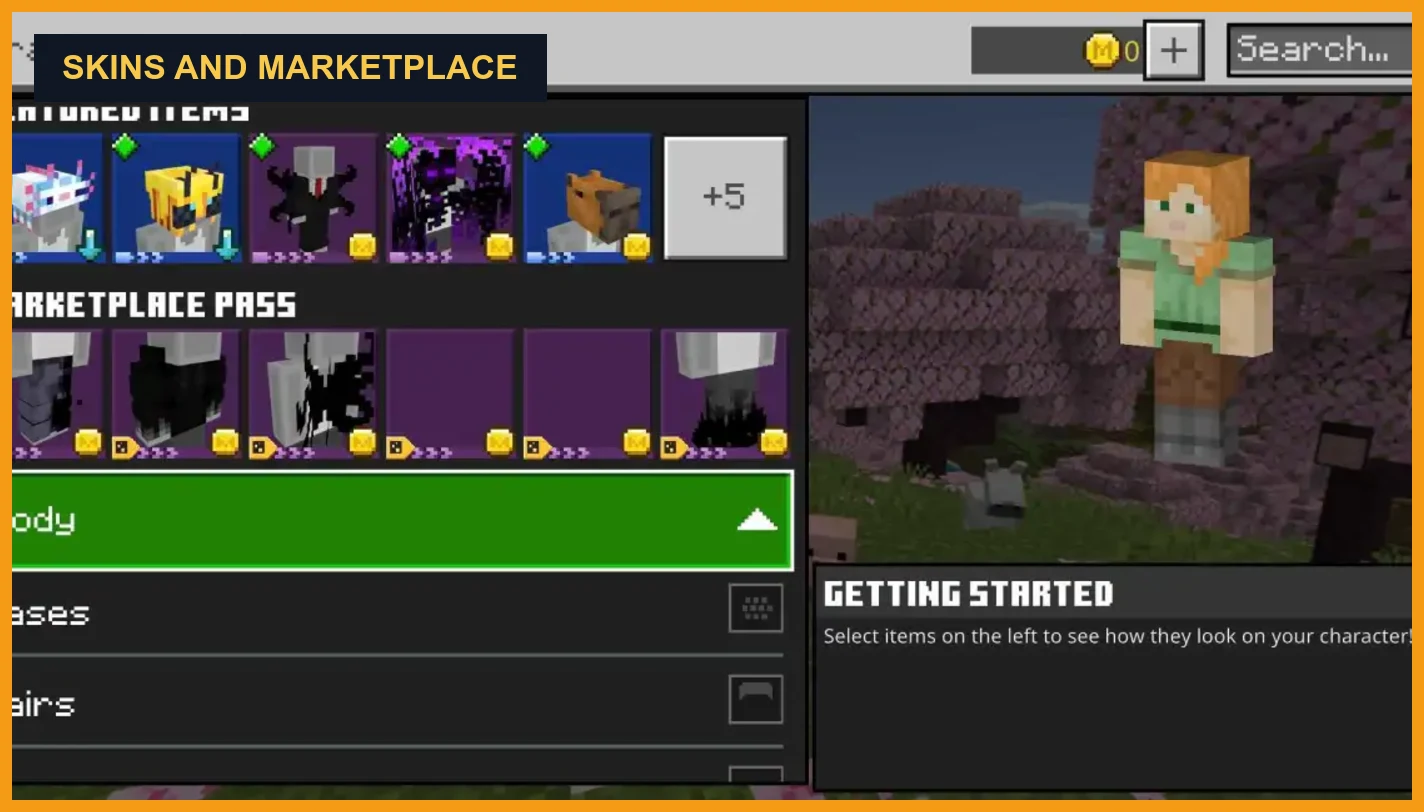
Skins Included
20 skins
Current checked public Marketplace snapshot.
Price
Paid Marketplace item
Use the Action and Stuff price guide if the real question is current price, Minecoins, or Marketplace Pass.
Current Public Line
1.10.1 above 1.10
Use the version pages if you need the exact feature-release and hotfix split, not just the broad product facts.
Source Pattern
Marketplace plus Oreville guides
That combination is more reliable than archive ladders, mirror descriptions, or keyword-stuffed download pages.
That matters because old rating totals, stale Marketplace Pass notes, and recycled version ladders drift fast across third-party pages. The safer baseline is the current Marketplace-facing snapshot, the creator guide, and the current public changelog line together.
Reference Direction
Current Marketplace snapshot and creator-guide data matter more than archive claims.
For the official route, use Minecraft Marketplace. For creator-side details like texture styles and Expressions limits, Oreville Studios guide pages are the stronger public reference layer.
What Actions and Stuff Actually Includes
The official Minecraft write-up and Oreville’s own content guide point to the same basic answer: Actions and Stuff is a broader Bedrock visual overhaul, not one small animation add-on. It combines movement changes, texture work, 3D presentation, sound polish, and extra pack systems into one product.
- Core visual changes cover both how the world looks and how players, mobs, and held items feel in motion.
- The pack goes beyond flat texture swaps by adding 3D models, armor presentation changes, and more detailed item handling.
- Some extras depend on the current update line, pack settings, and platform support, so the full experience is not just one static feature list forever.
Animation Layer
Player movement upgrades, first- and third-person polish, and broader mob animation changes across the world.
3D Presentation
3D item models, custom armor presentation, and optional 3D tool-style upgrades in supported settings.
Texture and Atmosphere
A full texture overhaul, texture-style variety, and broader visual polish that stays close to the vanilla Bedrock feel.
Extras and Systems
Pack settings, Expressions support, sounds, props, skins, nametag behavior, and other extras that expand the pack beyond simple textures.
Minecraft’s own feature article highlights new mob animations, player animations, 3D item models, and a complete texture overhaul. Oreville’s guide adds the broader content buckets behind that. If your next question is which features feel best in play, the Action and Stuff features page is the better next stop.
Requirements, Platforms, and What To Check First
Before you think about install steps, check the platform reality first. Actions and Stuff is a Bedrock-side product, so Android, iPhone and iPad, Windows Bedrock, and consoles are the real fit here. Java is a separate ecosystem, and some features such as Expressions have extra platform limits even inside Bedrock.
- First check whether you are on Bedrock or Java, because that changes the whole route.
- Then check the current minimum version line, because old Bedrock builds can break the expected result even when the file imports.
- After that, decide whether your platform is better matched to Marketplace ownership, pack import, or an Android-only route.
| Platform | Reality Check | Best Route | Best Next Page |
|---|---|---|---|
| Android / MCPE | Bedrock environment with the most route flexibility and the easiest testing path. | MCPACK import, official Marketplace, or an Android-focused install route depending on what you are actually trying to do. | MCPE resource pack guide |
| iPhone / iPad | Bedrock yes, but not an APK-style environment. | Marketplace-style Bedrock route or supported Bedrock import logic, not Android package thinking. | iOS guide |
| Windows Bedrock | Works in the Bedrock ecosystem, but only on the Bedrock side, not the normal Java launcher route. | Bedrock import or official Marketplace ownership path. | PC Bedrock guide |
| Xbox / PlayStation / Switch | Bedrock supported, but much more dependent on official Marketplace access and console limits. | Marketplace route, not APK-style or normal file-import thinking. | Console Marketplace guide |
| Java Edition | Separate file logic, separate pack expectations, and separate ecosystem. | Do not treat the Bedrock Marketplace pack as a normal Java-native download. | Java guide |
Practical checks before you install anything
- Check whether you are in Bedrock first, because that answer comes before every file question.
- Check your Bedrock build against the current compatibility line and minimum-version snapshot.
- Check whether your platform depends on official Marketplace ownership or can use a normal pack-import route.
- Check whether you plan to stack this with other texture packs, because some features drop away when the texture-style route changes.
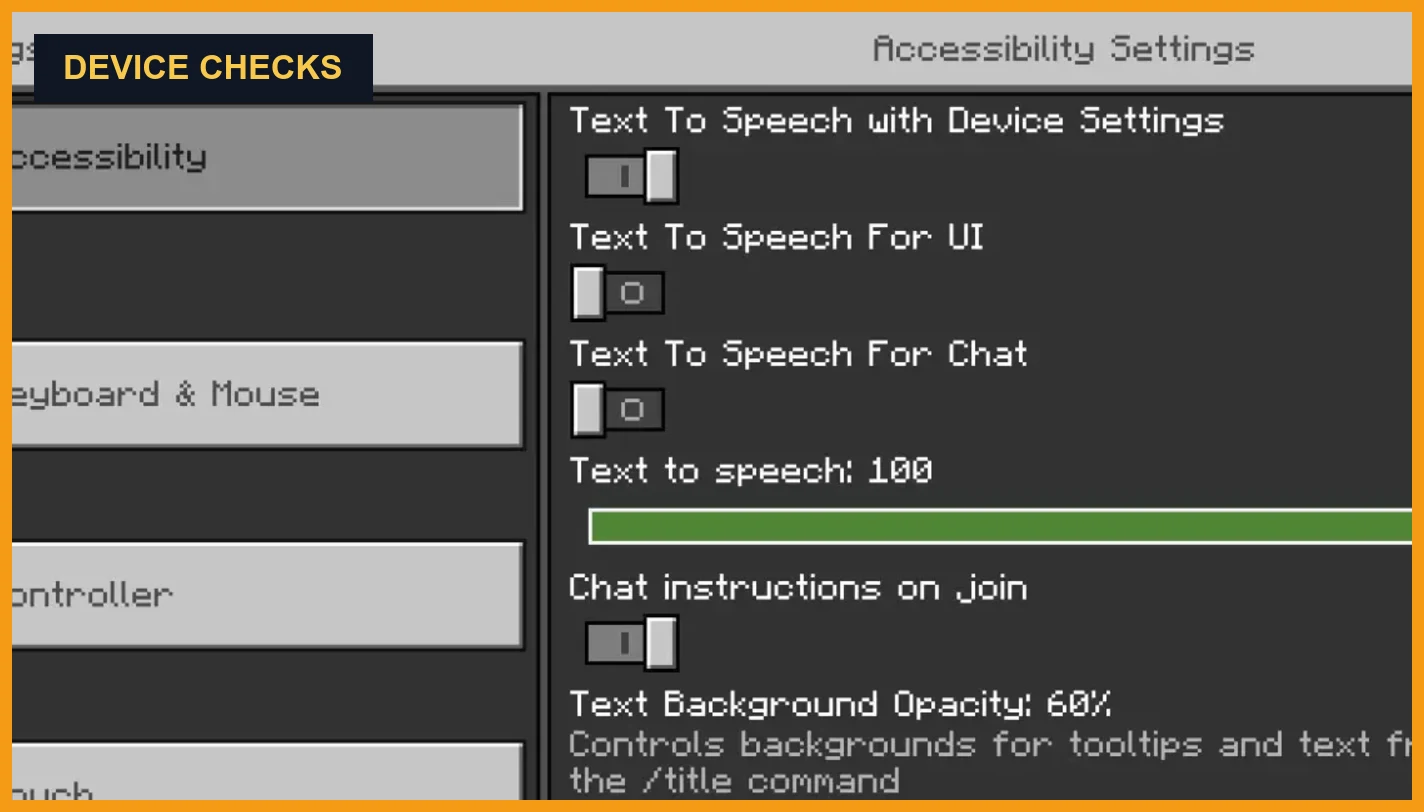
- Check device headroom and platform limits, because visual quality, smoothness, and features like Expressions are not identical everywhere.
If your first concern is update fit, use the Bedrock compatibility guide next. If your first concern is install flow, move to the install guide after this. If you care specifically about Expressions, remember that Oreville’s current guide says the feature is not available on console because there is no official way to upload skins there.
Texture Styles, Settings, and Compatibility Expectations
This is one of the easiest places to get confused. Actions and Stuff does not run as one fixed visual mode. Oreville’s current guide says the pack has three texture-style options, and each one changes which parts of the experience stay active.
- The style choice happens inside the pack settings after the pack is applied. It is not a separate download page.
- The Marketplace labels can still look generic, so it helps to map the resolution names to Oreville’s own style names before you assume you picked the wrong one.
- If you plan to combine Actions and Stuff with another texture pack, the custom style is the intended starting point, but full compatibility is not guaranteed.
| Style | Animations | 3D Items | 3D Armour | Name Tags | Props | Best Use |
|---|---|---|---|---|---|---|
| Full 64x | Yes | Yes | Yes | Yes | Yes | Best when you want the full Actions and Stuff look and are not trying to stack another texture pack on top. |
| Vanilla 32x | Yes | Yes | No | Yes | Yes | Best when you want the animation layer and many extras but prefer a more vanilla-looking texture feel. |
| Custom 16x | Yes | No | No | No | No | Best when you want Actions and Stuff animations under another custom texture pack and can accept feature tradeoffs. |
Oreville’s guide also says Marketplace content still has a subpack naming limitation. In practice, that means the settings slider labels may not look as clear as the creator naming. The safe move is to match the resolution label to the current style map instead of assuming the pack is broken.
Resolution Mapping
64x, 32x, and 16x are not just size labels
Oreville maps those settings to Full, Vanilla, and Custom experiences, each with different feature tradeoffs.
Settings Control
Use the pack settings slider
The style choice is not a separate download page. It is a settings-level choice after the pack is applied.
Texture Pack Stacking
Custom texture pack first, Actions and Stuff beneath it
Oreville’s guide says to place your other custom texture pack in slot one and run Actions and Stuff under it in Custom 16x, but not every stack is guaranteed.
Current Update Line and Why It Matters
Version history is where people get lost fastest. Instead of guessing from old ladders and random mirrors, this page stays anchored to the public update line Oreville is actually showing now.
The current public changelog line shows 1.10 as the big feature update, with 1.10.1 sitting above it as the latest hotfix layer. That matters because 1.10 explains the major feature jump, while 1.10.1 explains the smaller fixes and polish on top of it. If you need the exact release split from here, use the old versions and latest version guide.
- Use 1.10 as the main feature reference point if you want to know what changed in the current generation of the pack.
- Use 1.10.1 as the latest public fix line if you want to know what was cleaned up after that larger release.
- Do not confuse the pack version line with your Bedrock build number. They answer different questions.
Current Public Line
1.10.1 is the latest public hotfix layer shown by Oreville
Main Feature Base
1.10 carries the bigger gameplay, movement, and content expansion
Hotfix Focus
1.10.1 focuses on bug fixes and polish rather than a brand-new feature wave
Why It Matters
The right file and the right compatibility expectation depend on reading the current line correctly
Oreville’s 1.10 notes point to the main feature jump: Tiny Takeover support, new actions like flipping and rolling, directional swimming, better boats, optional 3D tools, pack settings, and broader 3D item improvements. The 1.10.1 notes then narrow back down to fixes and refinements. If you want the exact release split, use the dedicated version pages from here rather than treating this page like a changelog archive.
Known Limits and Support Notes
A useful info page should also tell you where the pack can disappoint you, not just where it looks good. Actions and Stuff has real limits, and most of them come from platform rules, route choice, or feature tradeoffs rather than from one mysterious hidden requirement.
- Some limits are platform-based, such as console restrictions around Expressions.
- Some limits are route-based, such as Marketplace naming issues or the wrong install path for your device.
- Some limits are compatibility-based, especially when you start stacking other texture packs or mixing old Bedrock builds with newer pack lines.
Java Is Separate
Java Edition is a separate ecosystem. Bedrock files, Marketplace logic, and Java-native expectations should not be mixed together.
Expressions on Console
Oreville’s Expressions guide says this feature is not currently available on console because there is no official skin-upload route there.
Texture-Pairing Limits
Oreville does not guarantee that every custom texture pack will work correctly when stacked with Actions and Stuff, even when you use the intended Custom 16x route.
Marketplace Naming Limits
Subpack naming inside Marketplace content still has limitations, which can make settings labels less intuitive than users expect even when the pack itself is fine.
What to do if you only want a route page now
- Use the MCPE resource pack guide if your main question is Bedrock pack import on mobile.
- Use the install guide if your next job is download, import, or activation order.
- Use the iOS guide if you are on iPhone or iPad and want the cleanest Apple-side route.
- Use the PC guide if you are on Windows Bedrock and need the desktop-specific path.
- Use the Java guide if your real question is what does not carry over from Bedrock to Java.
FAQs About Action and Stuff Info and Requirements
Oreville Studios is the creator attached to the official Marketplace listing and creator-guide references for Actions and Stuff.
As checked on May 21, 2026, the public Marketplace-facing snapshot showed a minimum version of 1.21.120, a March 3, 2026 update date, and 20 skins. Use the dedicated price guide if your next question is Minecoins, Marketplace Pass, or the latest purchase snapshot.
Not as a normal Bedrock-equivalent route. Java is a separate ecosystem with separate file logic and separate expectations.
Sometimes, but Oreville does not guarantee full compatibility with every custom texture pack. Test Actions and Stuff alone first, then stack carefully with the Custom 16x route if needed.
No. Oreville’s current Expressions guide says the feature is not available on console because there is no official skin-upload path there.
Final Thoughts
If your goal was to confirm the product before you choose a route, the safest baseline is simple: stay close to the Marketplace-facing snapshot, Oreville’s own guides, and the current public update line instead of trusting every recycled download summary you find.
If you want setup steps next, move to the install guide. If your next question is version fit, use the compatibility guide. If the next question is purchase details, stay with the dedicated price page rather than rechecking old snapshot summaries here.